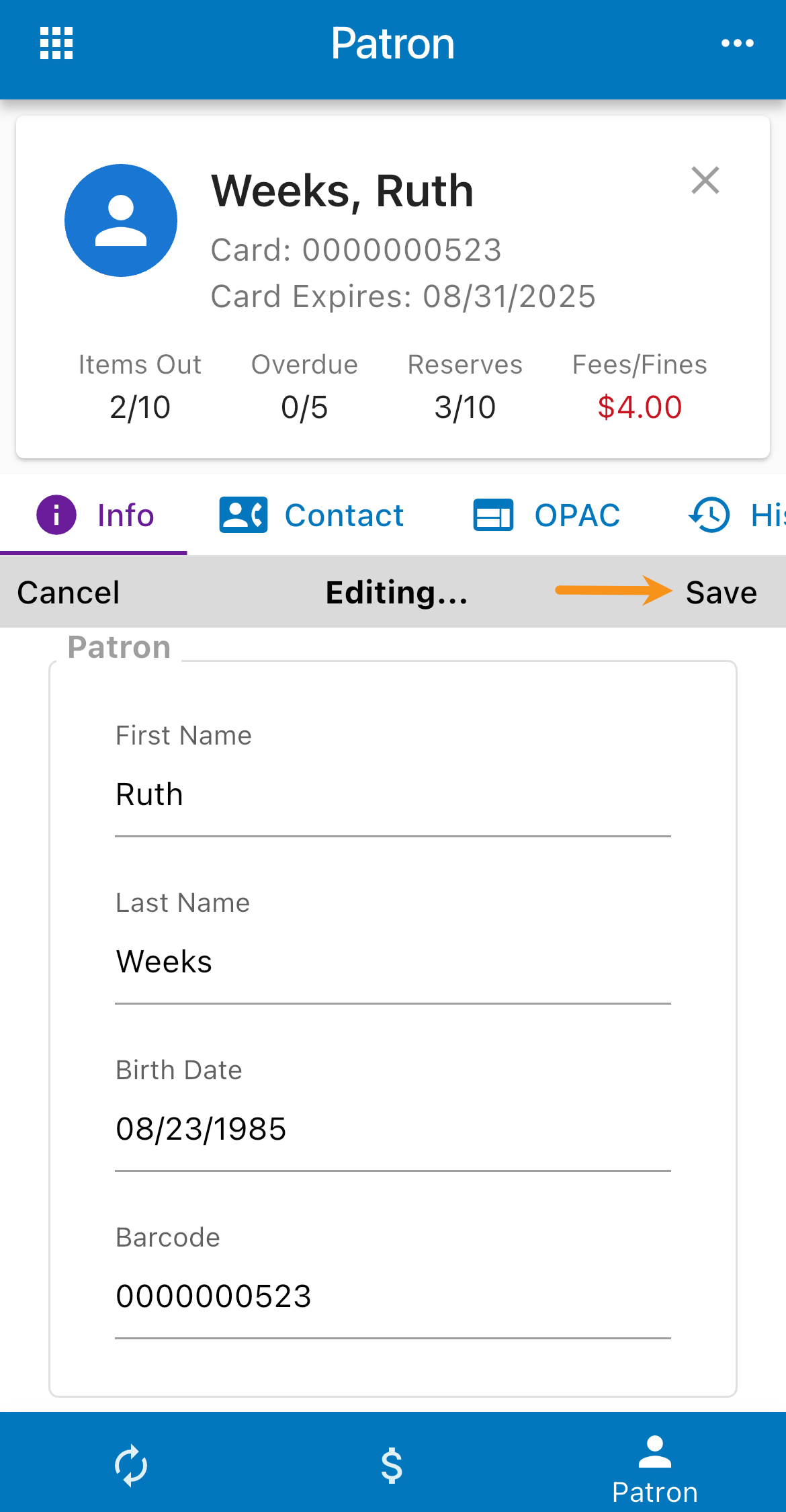
Review/Edit Patron
Open the Patron screen.

Use one of the following methods to load a patron:
* Scanner - Scan the patron barcode.
* Device Camera - Tap the barcode icon in the search field, and capture the patron barcode.
* Search - Select Find a patron, and enter a name.
Switch between the Info, Contact, OPAC, and History tabs as needed to view additional information.
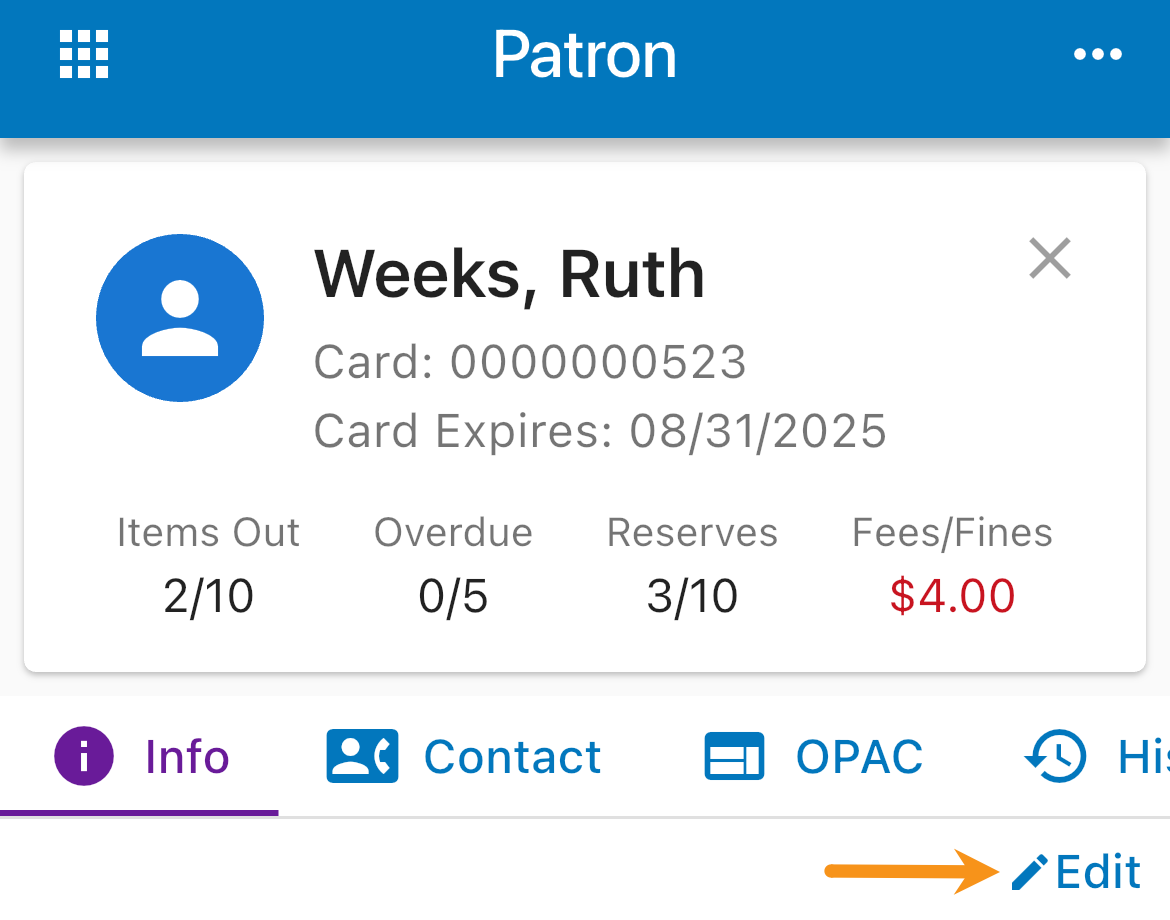
Tap Edit.
Make changes, and then tap Save.